Filing expense reports must be the thing that many employees dread. A conclusion of my own feelings and the amount of expense reports that land on my desk for approval including expenses incurred over 30 days ago. While things have improved in the experience, with mobile apps and attaching digital receipts, my own workflow had some areas for improvement.
At the company I work for, we use Concur to file our reports. And while I like the mobile app, most of the time I’m using the website as it’s part of my daily routine. The challenge I have is not so much with creating the reports, the corporate card entries are imported and identified correctly most of the time, creating the actual report a task that I can complete in a matter of minutes.
The challenge I have is getting the expense receipts into the system. Yes, the Concur mobile app has a camera feature that allows taking a photo. And in most cases the app does a good job in optimizing the image and focusing it on the actual receipt. The one thing that’s missing is that the images are only available in Concur and no permanent copy is being made. In order to achieve this, I’m using a different tool on my iPhone.
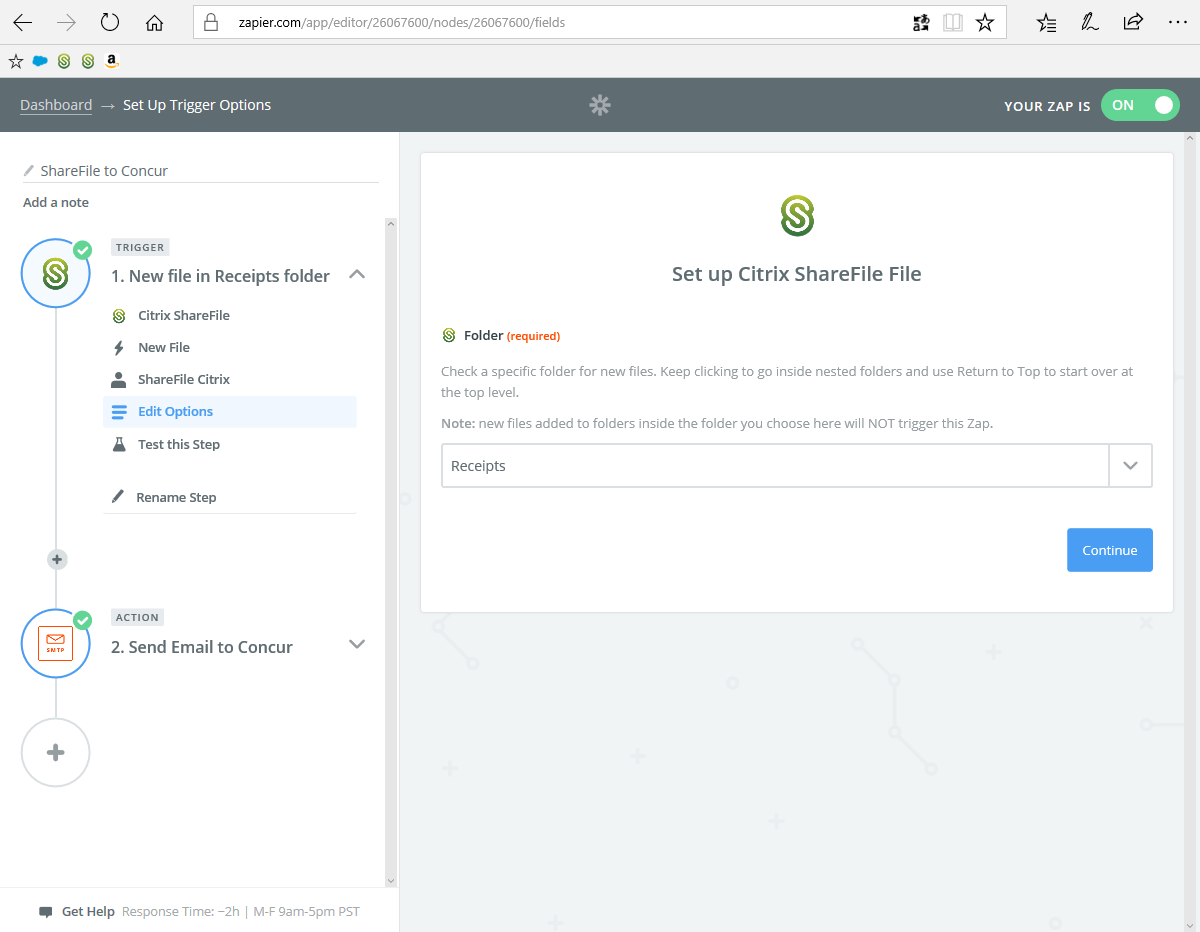
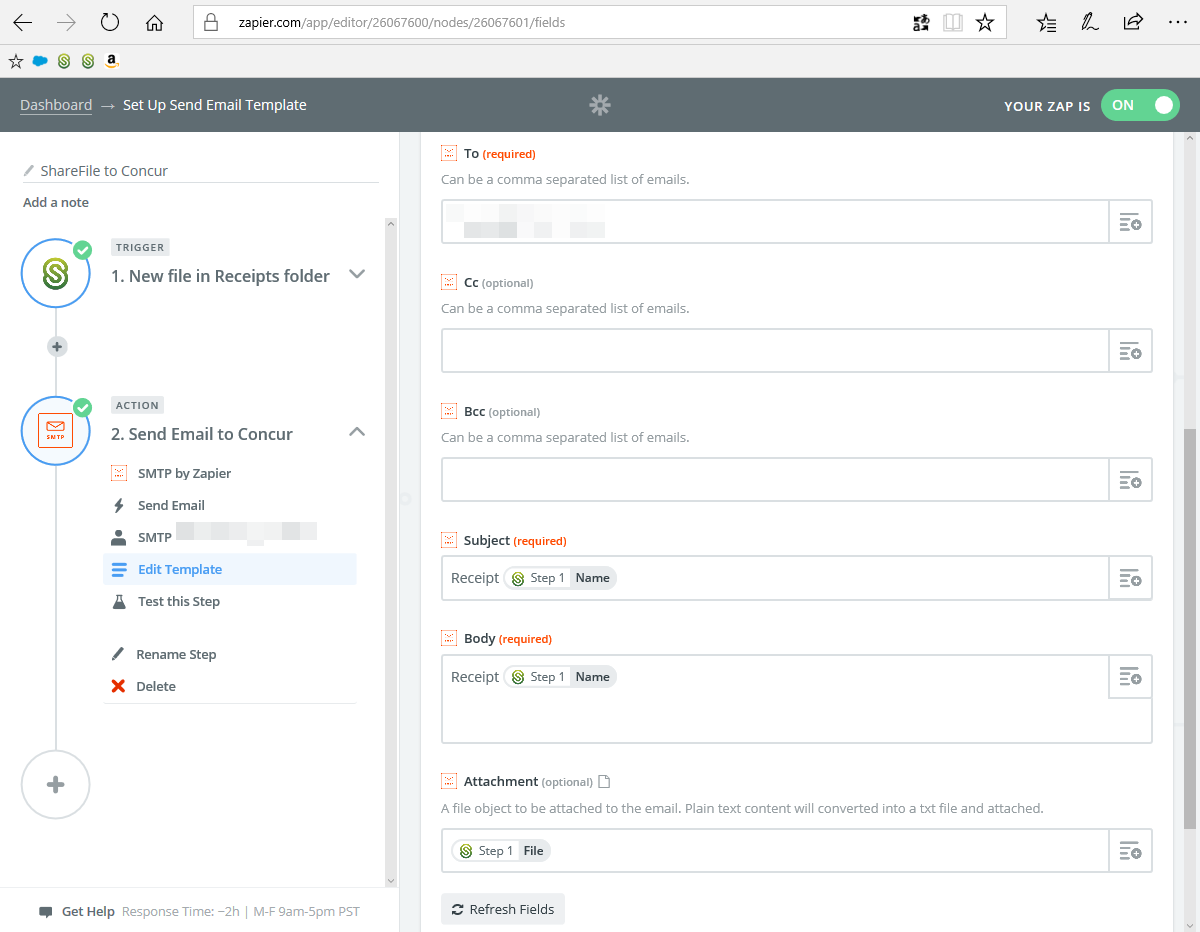
To automate my workflow, I’m using ShareFile, the Citrix ScanDirect app and Zapier to send the images to Concur. I use the SMTP server of my personal email account for this, but you can use other services like Gmail to achieve this. And you can recreate something similar with other cloud services, I just like to drink our own champagne.
The steps are really simple, I take the picture with ScanDirect and store it into a dedicated folder on ShareFile. I’ve made a favourite of that folder, making it easy to navigate to this folder.

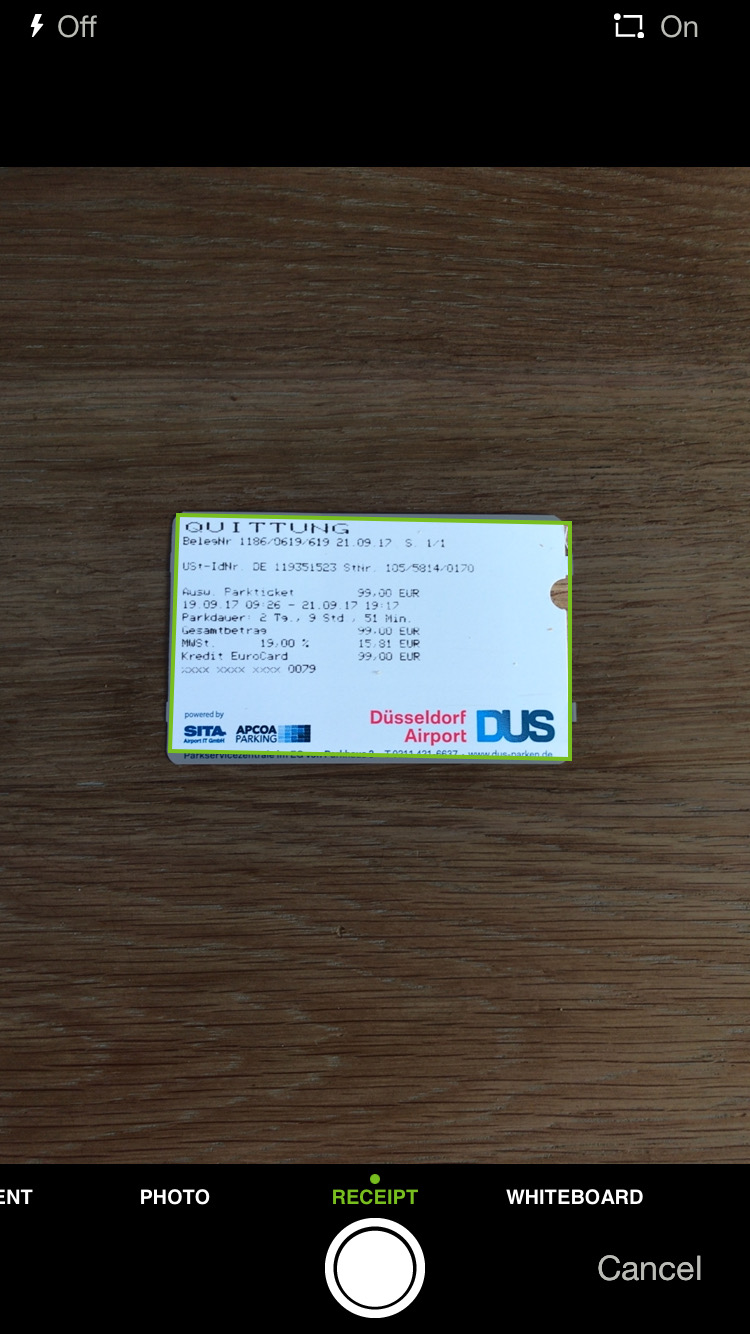



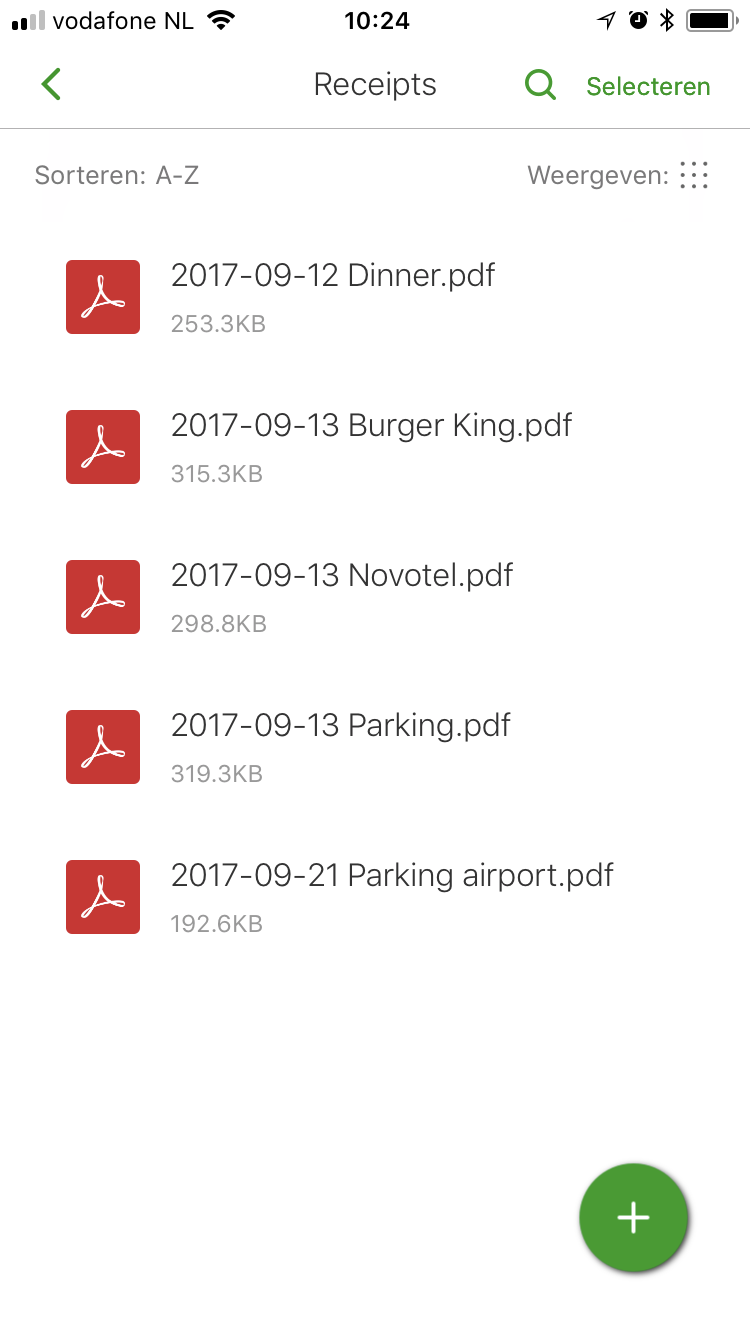
Zapier does the rest, monitoring the folder for new files and when a file arrives, it sends an email to Concur.
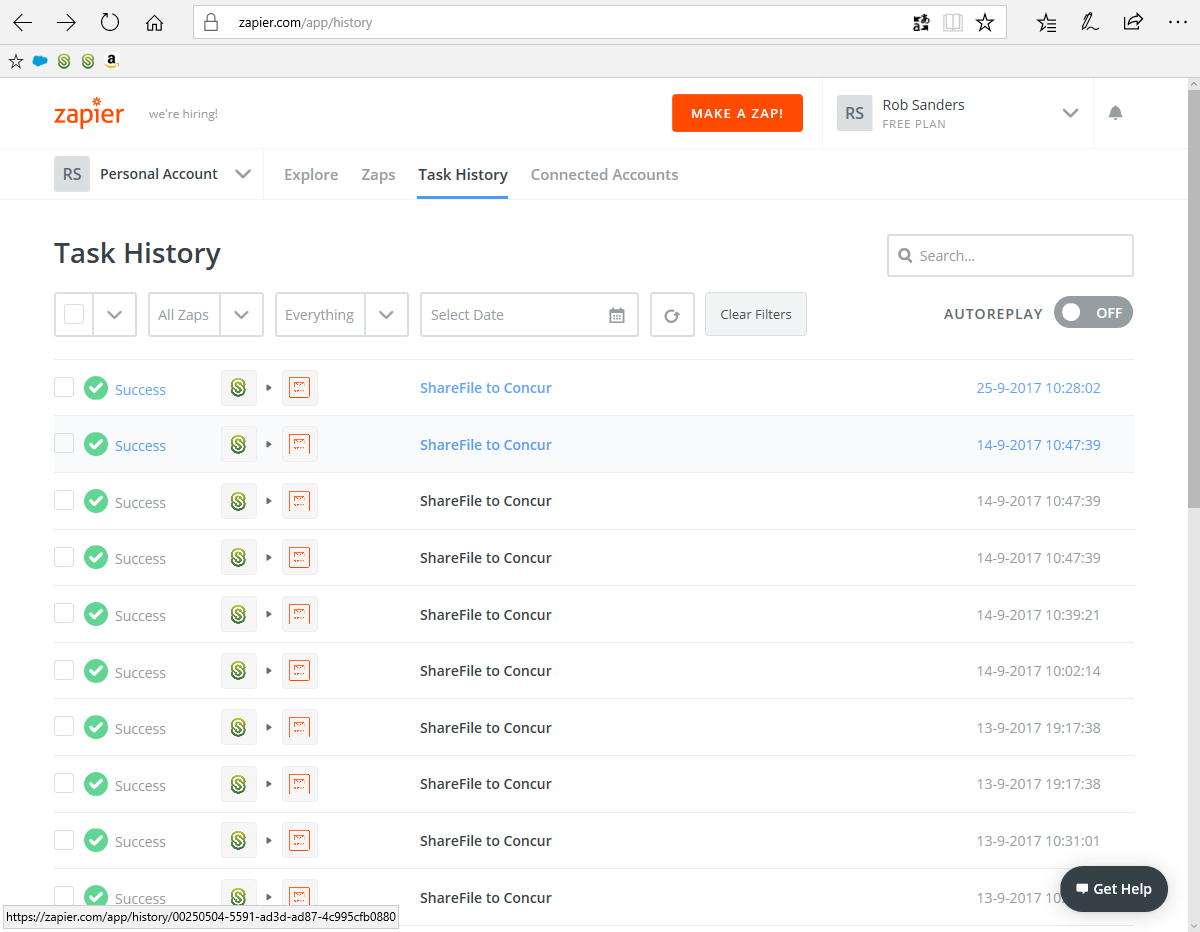
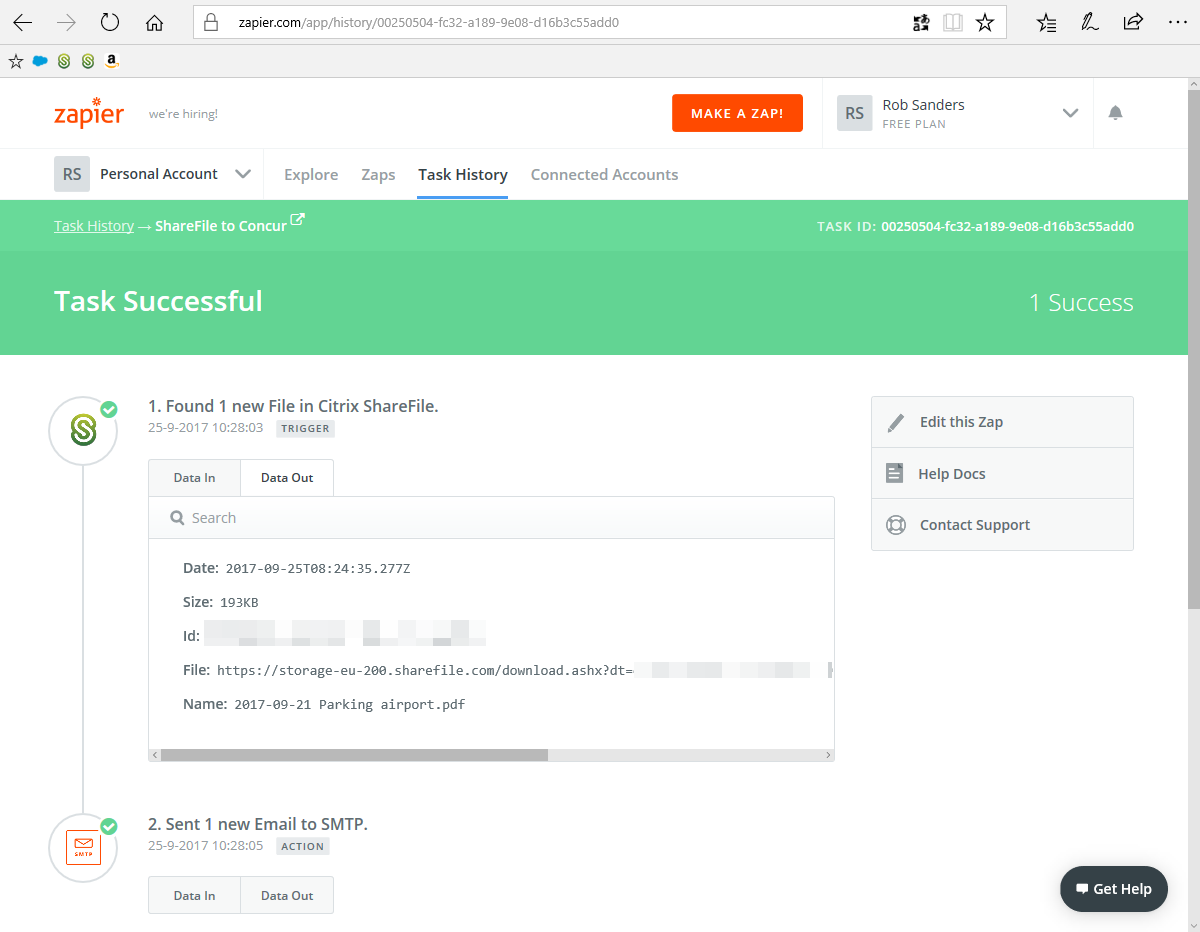
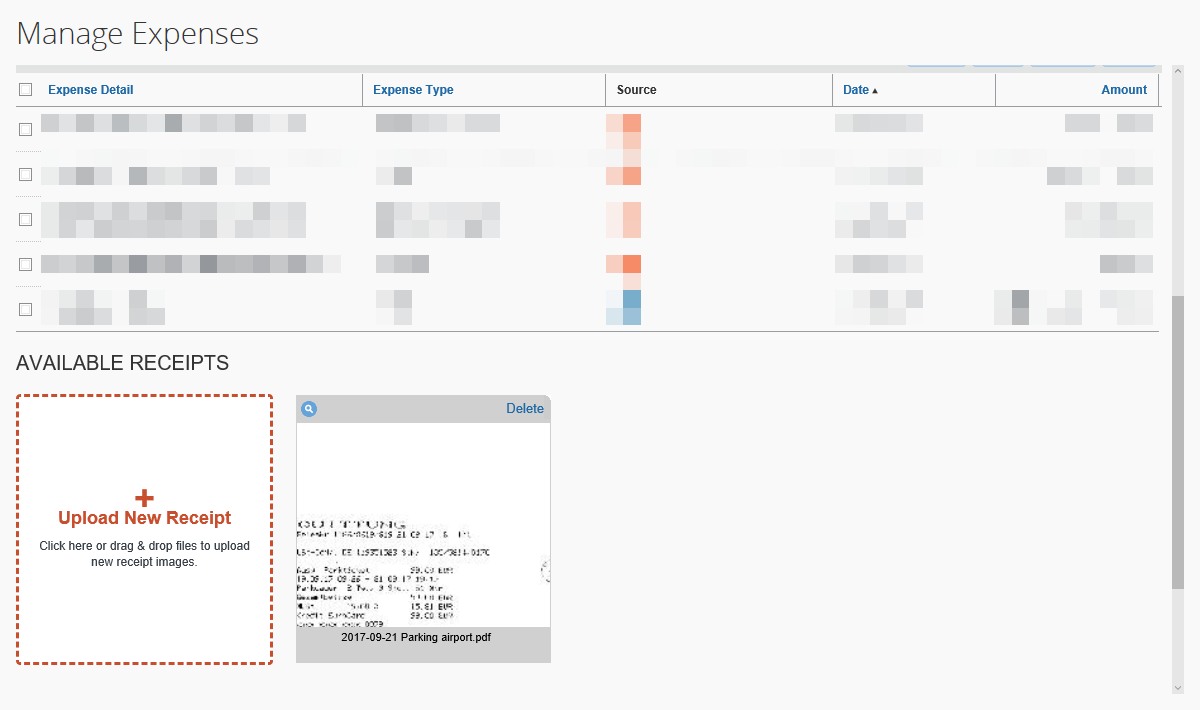
After filing the report, I keep the receipts in that folder until the report has been approved and any personal payments are reimbursed into my bank account. The paper receipt goes into recycling after I’ve captured the images.
 On Rob's Mind...